Hello,
See here for context:
This no longer works with Processing 4.5.2.
Processing 4.5.2 behavior on Windows 10:
- Create a settings.txt and save it in the correct lib folder.
- Launching Processing 4.5.2 creates a preference.txt file in the new location and updates the default location.
- Changes to the preferences are only saved to the default location but it reads the new location so any changes made are not applied.
- I can manually copy them over (default to new) and it will work.
New location defined in settings.txt:

New location:
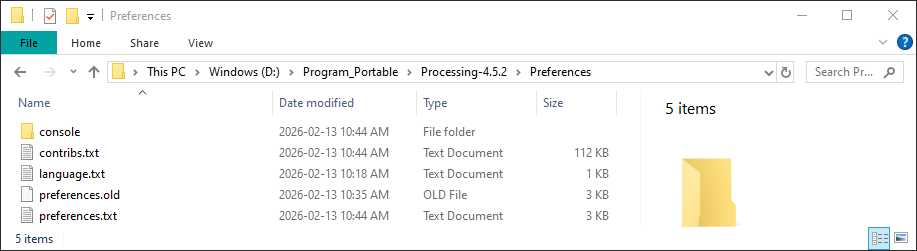
Default location:

I was curious what would happen if I started with a clean slate and deleted all the files in folders (from above) and got this error:
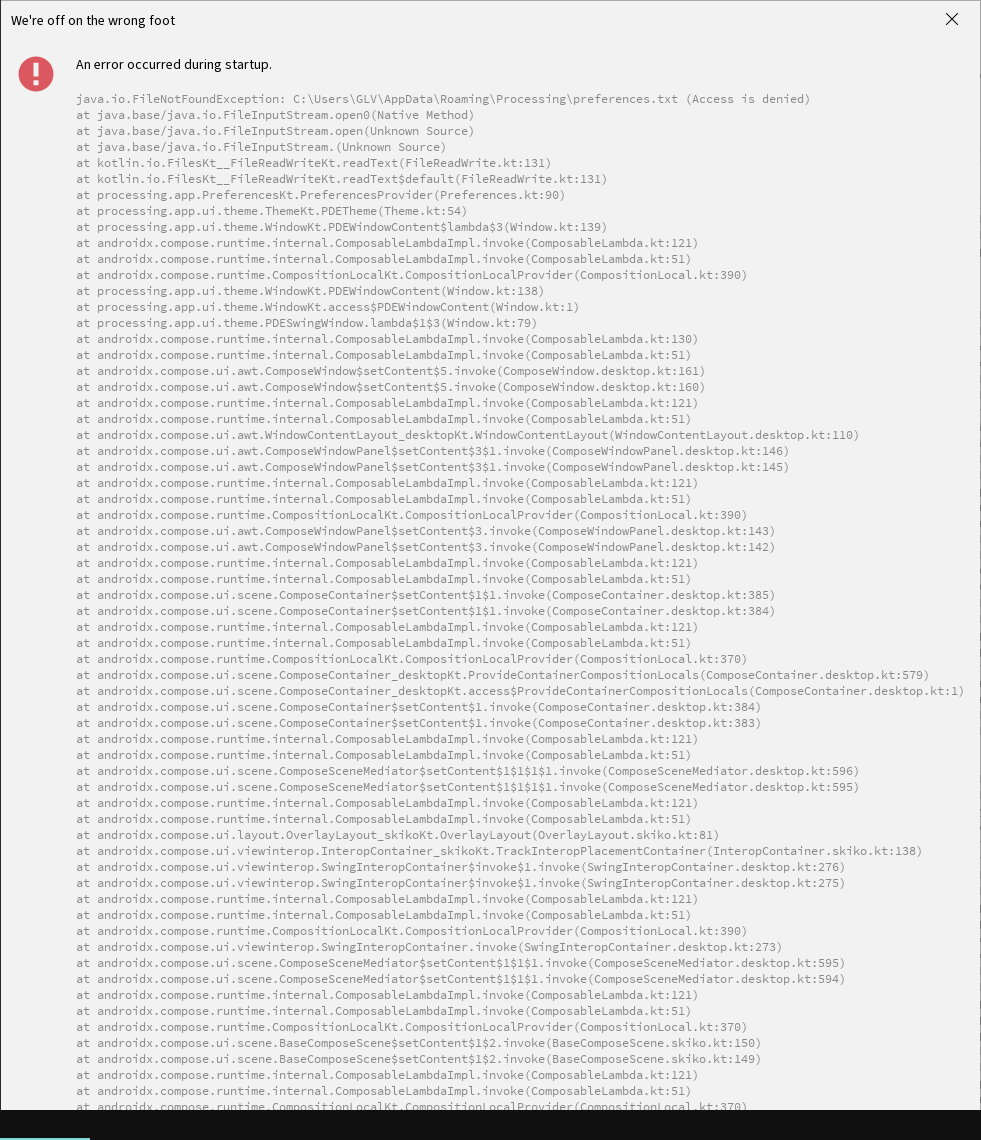
It also created a preferences.txt folder (should be a file) in the default location:

Once I restored the files in the default location it would not crash.
I create custom Processing environments and this is necessary for some of my projects.
This is an initial discussion. I will follow-up with an issue if it is not resolved here.
:)
