Editors created in Processing are capable of running several different computer languages; basically if there is a compiler for a language, a Processing editor app can run the source code for that language. The following is a MacOS only demonstration of this. It uses swiftc from the command line to compile .swift source code for an iOS app and then runs the code on a simulator provided by XCode (installation required). It also requires two .jar files: one for Info.plist creation and one for editor syntax highlighting. Details and source code are here: https://github.com/vsquared/iOSEditor_Processing
Output:

Addendum:
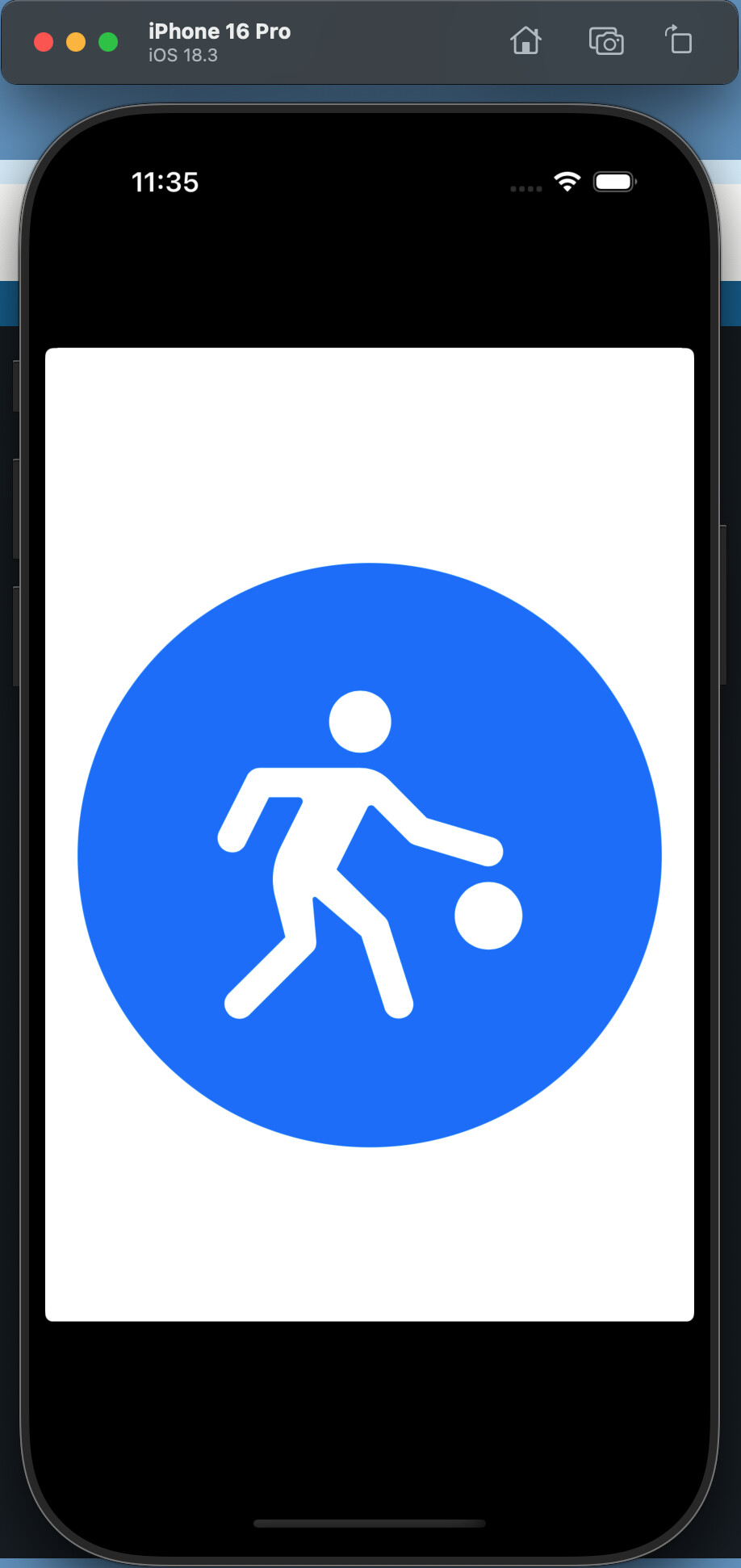
Will also run SwiftUI code in addition to UIKit:
import SwiftUI

struct ContentView: View {
    var body: some View {
        Circle()
        .fill(.blue)
        .padding()
        .overlay(
            Image(systemName: "figure.basketball")
                .font(.system(size: 144))
                .foregroundColor(.white)
        )
    }
}

struct MyApp: App {
    var body: some Scene {
        WindowGroup {
            ContentView()
        }
    }
}

MyApp.main()
Output: