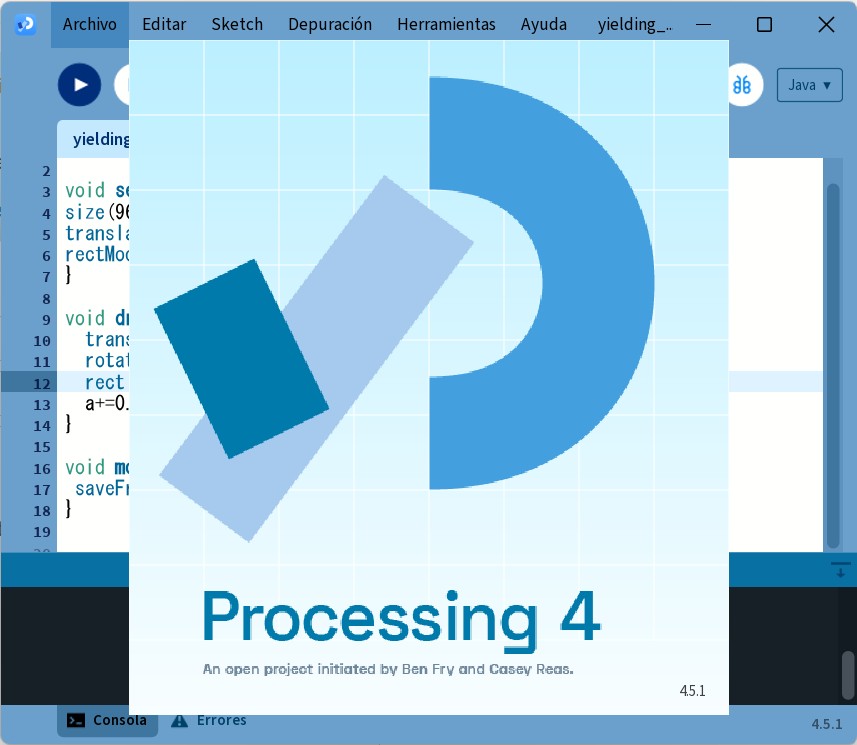
Hi, ever since Procesing 4 was launched I’ve been having this aliasing issue. Everything from the splashscreen, the UI and the sketch window looks jaggy. Is there a way to make everything look sharper? I’m working on a Windows computer.
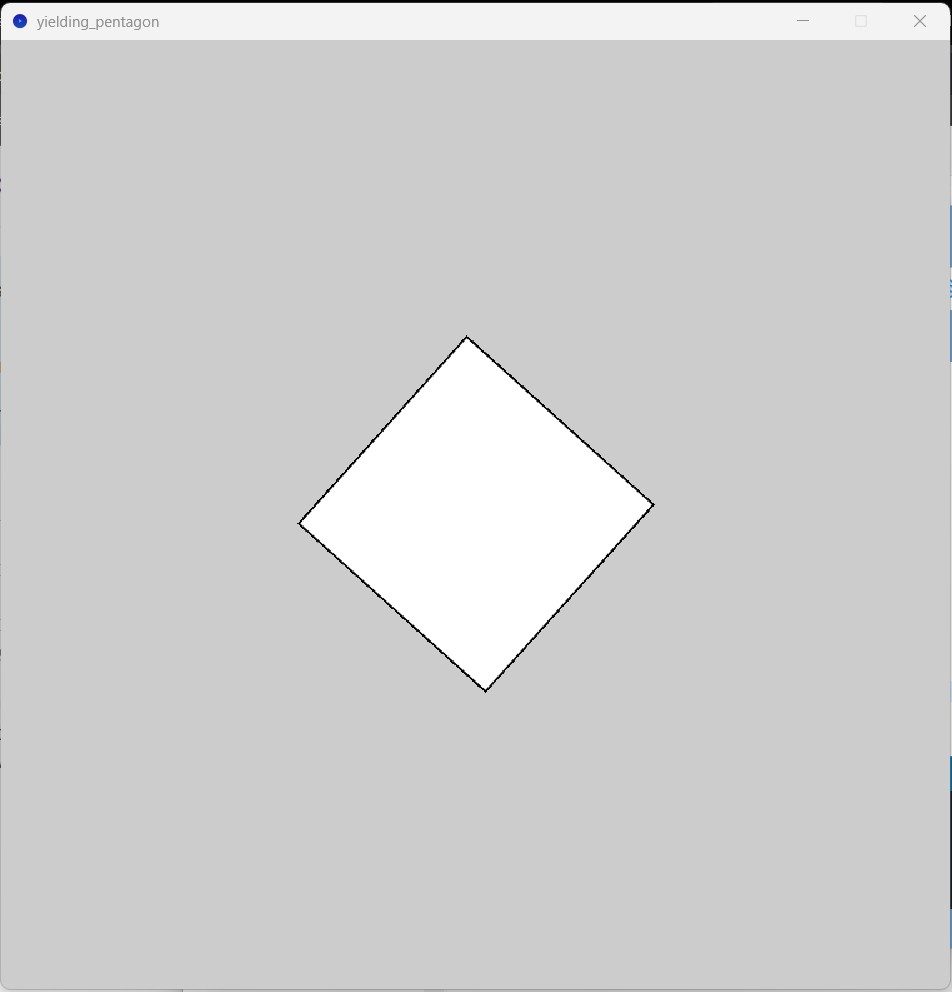


Another option is to use JavaFx in the default Processing window:
import javafx.scene.canvas.Canvas;
import javafx.scene.layout.StackPane;

Canvas canvas;
StackPane root;

void setup(){
 size(760,760,FX2D);
 surface.setTitle("JavaFX in Default Wnd");
 canvas = (Canvas)surface.getNative();
 root = (StackPane)canvas.getParent();
 rectMode(CENTER);
 translate(width/2,height/2);
 rotate(40);
 rect(0,0,200,200);
}

void draw(){

}
Output in Windows 11:

Hello @Chriz96 ,
This is with Processing 4.4.10 and W10 for the JAVA2D renderer (default).
Other versions may behave differently.
Give this a try:
float a;

//If using Windows scaling add this for 1:1 rendering on some versions:
static
  {
  // JAVA2D:
  // Forces 1:1 pixel rendering by disabling OS-level DPI scaling
  System.setProperty("sun.java2d.uiScale", "1.0");
  }

void setup() {
  size(600, 600);  // JAVA2D is the default
  //size(600, 600, P2D); //Try different renderers

  translate(width/2, height/2);
  rectMode(CENTER);

  //smooth(4);  //See reference and try different values

  pixelDensity(1); //Try this if you have a high density display.
}

void draw() {
  // You must have this otherwise it keeps painting over window:
  background(255);

  translate(width/2, height/2);
  rotate(radians(22.5));
  rect(0, 0, 200, 200);
  //a += 0.02;
}

//void mousePressed() {
//  saveFrame("any3.png");
//}
You will have to experiment and comment \ uncomment lines of code and make changes.
Also look up the references for each.
Reference (this may depend on Processing version used):
Before (without static block):

After (with static block):

Please report your results.
Additional reference:
- Renderers (and Windows scaling)
- Resolution of window scales poorly leading to bad render · Issue #1142 · processing/processing4 · GitHub
I do not have a solution to upscale it to the windows scaling without aliasing.
:-)
Thanks for your answer. It worked for me.
Hi @Chriz96,
You can use your original code with only the FX2D renderer:
// Original:
// https://discourse.processing.org/t/aliasing-issue-processing-4/47785

import processing.javafx.*; // Added import. You must download library to use.

float a = 0;

void setup() {
  size(400, 400, FX2D); // Added FX2D
  rectMode(CENTER);
}

void draw() {
  background(255);
  translate(width/2, height/2);
  rotate(a);
  rect(0, 0, 200, 200);
  a += 0.02;
}

void mousePressed() {
  saveFrame("any3.png");
}
References:
- Environment / Processing.org
- size() / Reference / Processing.org
- Launcher for Multi-Renderer PApplets
:)
The canvas and root are necessary if the user wants to add any JavaFX controls. It’s not known what the rest of the project entails, but likely is more than a rectangle.
Yes! it works nicely, Thank you!