I have two questions about the GPanel
one
According to the G4p reference GPanel is derived from GTextBase. The GTextBase class has a method setTextAlign but that does not seem to give the desired effect. I would like to horizontally centre the text in the tab.
import processing.javafx.*;
import g4p_controls.*;

void settings()
{
  // suppress windows scaling; see https://discourse.processing.org/t/windows-ui-scaling-not-respected/45905/5
  // note: System.setProperty("glass.win.uiScale", "1"); needs to be executed in setting, does not seem to have an effect in setup().
  System.setProperty("glass.win.uiScale", "1");
  size(800, 600, FX2D);
  smooth();
}

GPanel panel;

void setup()
{
  panel = new GPanel(this, 2, 2, 400, 300, "Hello");
  panel.setFont(new java.awt.Font("Calibri", java.awt.Font.PLAIN, 20));
  panel.setTextAlign(GAlign.RIGHT, GAlign.BOTTOM);
}
Am I doing something wrong? Or do I misunderstand the functionality?
two
I have a GPanel with a number of children. The last child is a label (to display an error message) is located at the bottom of the panel and will only show if an error message is displayed using setVisible(). I would like to know if it’s possible to resize a panel once it’s created; I could not find a method to achieve this.
The preferred layout would be
No error
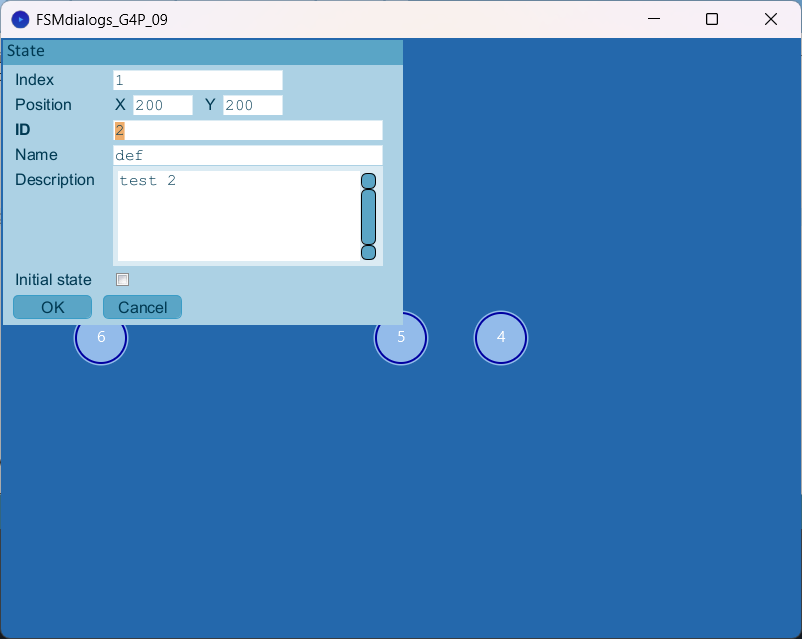
Error (note the difference in height)
