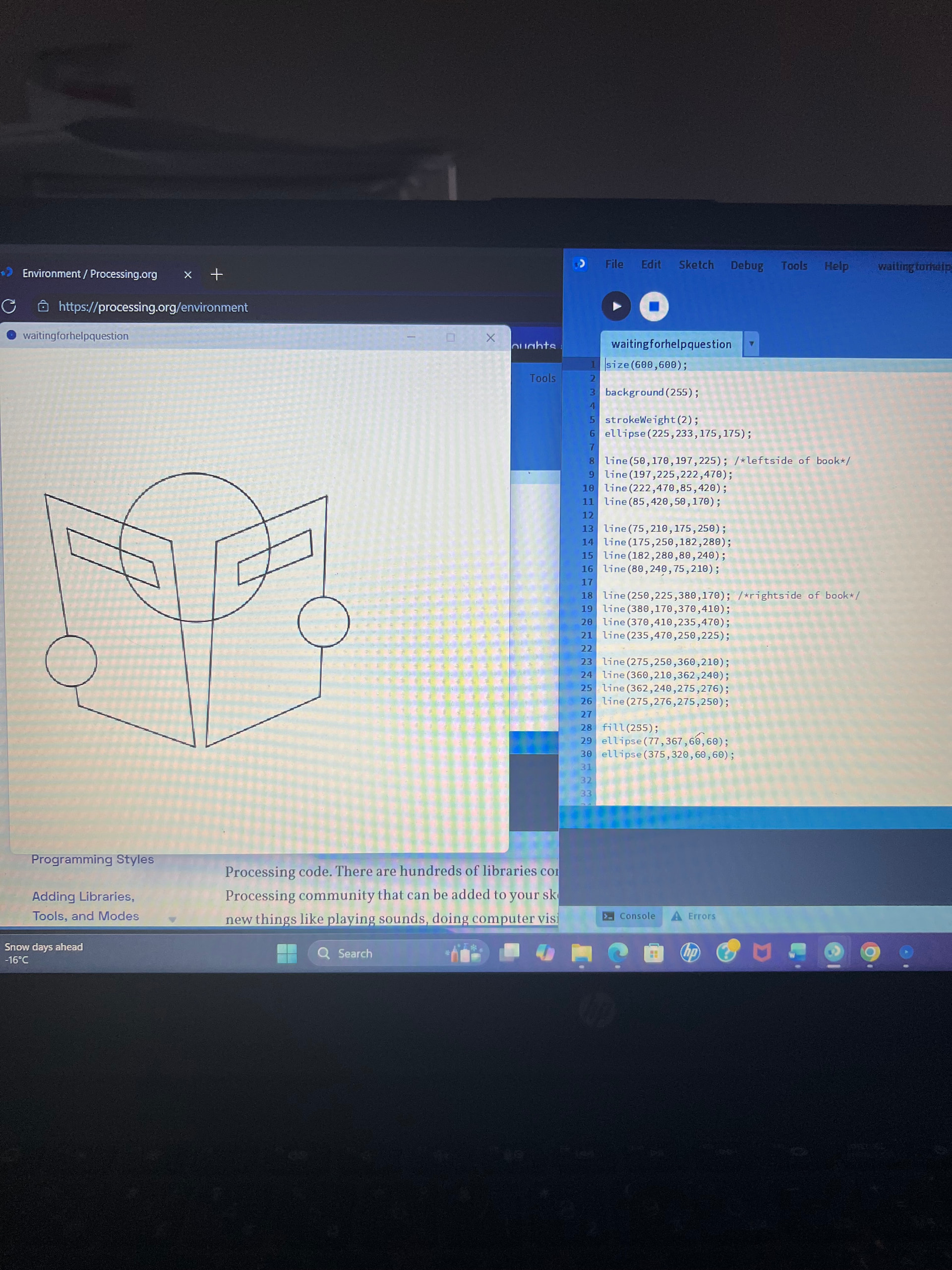
It would help us to help you if you would copy/paste your code into the editor. Select the icon at the top which has the backslashforward arrows (Preformatted text) and then copy/paste your source code in the gray box which now appears. That way we can run your code on our systems and try to help you with your question. Thanks and welcome to the forum.
size(600,600);
background(255);

strokeWeight(2);
ellipse(225,233,175,175); /*head*/

fill(255);
line(50,170,197,225); /*leftside of book*/
line(197,225,222,470);
line(222,470,85,420);
line(85,420,50,170);

line(75,210,175,250);  /*leftside title of book*/
line(175,250,182,280);
line(182,280,80,240);
line(80,240,75,210);

line(250,225,380,170); /*rightside of book*/
line(380,170,370,410);
line(370,410,235,470);
line(235,470,250,225);

line(275,250,360,210); /*rightside title of book*/
line(360,210,362,240);
line(362,240,275,276);
line(275,276,275,250);

ellipse(375,320,60,60); /*hands*/
ellipse(77,367,60,60);
Thank you.
I hope this helps and is readable.
Yes, that is very helpful. I presume that you want the large circle at the top to appear to be in the background. Note that your small circles appear to be in the foreground because you gave them a fill. You have drawn the elements in the correct order for this to occur. To make the large circle appear to be behind the pages it would help if you gave it a fill and did not apply a stroke to just it.
  fill(209);
  noStroke();
  ellipse(225, 233, 175, 175);
Output:

It would be even better if you could apply a fill to the book pages. You could do this if you used createShape() to create the pages instead of a series of lines and then applied a fill to that.
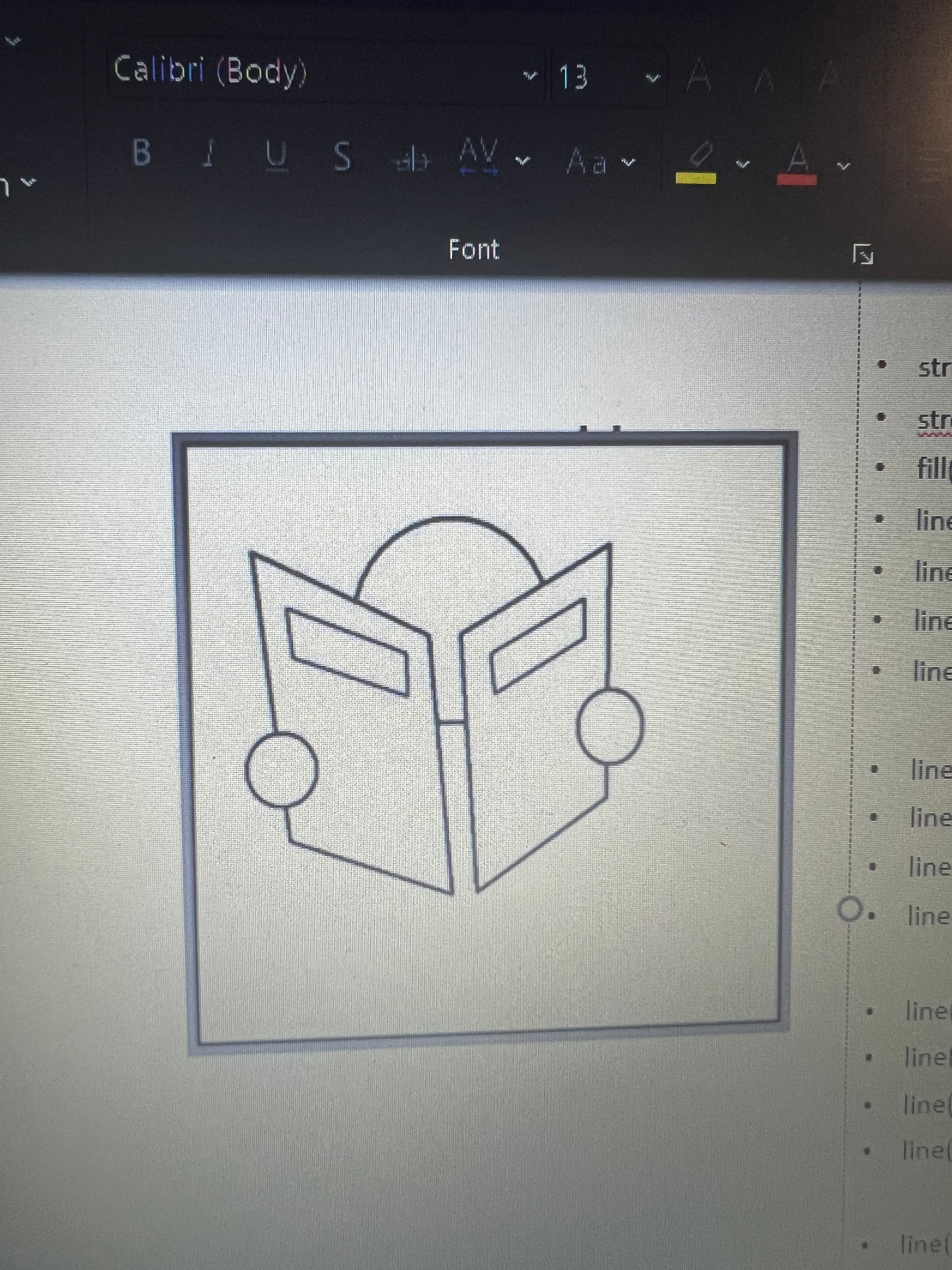
This is what is possible with createShape() and beginContour…endContour:

The references are here:
Please try to create the output that you want by using the references. If you have problems, please post what you have tried and we will try to help you get to the finish line.
If you don’t want the ‘see through‘ slits on the pages then you can get by with two other pShapes with their own fills and not use beginContour…endContour.
Addendum:
With separate PShapes for the book, head, and hands it’s possible to GROUP them together so that you wind up with one reader object which should be close to what you’re looking for.

Hello @pam,

This can be done layering primitive shapes on top of each other in the *correct order.
See:
- Coordinate System and Shapes / Processing.org
- circle() / Reference / Processing.org
- rect() / Reference / Processing.org
- quad() / Reference / Processing.org
Also look up fill(), noFill(), stroke(), noStroke().
Try it with paper and scissors first!

Further exploration once you have mastered the above:
PShape / Processing.org
Adding to list above:
- Reference / Processing.org < Additional 2D primitives
A note on *correct order:
Using the paper and scissors analogy, the first shape you cut out and lay down is at the bottom. Each new shape you place goes on top of the previous one.
In the sketch code, the first shape drawn (at the top of the code) will be at the bottom layer, and every shape drawn after that will stack on top in the order they appear (from top to bottom) in the code.
Have fun!
:)
If we use quad() for the parallelograms and fill() for each shape it can be done in about 12 lines of code. The draw order is already correct.