# Tooloop Open Media Server
**URL:** https://discourse.processing.org/t/tooloop-open-media-server/1680
**Category:** Processing
**Created:** [July 11, 2018, 3:35am UTC](https://discourse.processing.org/t/tooloop-open-media-server/1680 "2018-07-11T03:35:20Z")
**Posts on this page:** 4
**Page:** 1
### Author:  [@vollstock](https://discourse.processing.org/u/vollstock)
#### Post date: [July 11, 2018, 3:35am UTC](https://discourse.processing.org/t/tooloop-open-media-server/1680/1 "2018-07-11T03:35:20Z")
I am happy to announce that [Tooloop](http://www.tooloop.org), my open media server for public and live media installations, is now in alpha phase and ready to test.
Tooloop is an open media server framework.
- a well defined range of industrial grade hardware.
- a minimal Linux, customized for public multimedia installations.
- a set of network management and monitoring tools.
It’s all open source and available on [GitHub](https://github.com/vollstock/).
You can run pretty much any Linux application on Tooloop OS but Processing is specifically targeted and I would love to get your feedback before approaching a 1.0 release.
Many ideas of Tooloop OS are based on [the article in the openframeworks book on keeping a linux installation up forever](https://openframeworks.cc/ofBook/chapters/installation_up_4evr_linux.html).
Project website:
> **[Tooloop Open Media Server](http://www.tooloop.org)**
>
> Open Media Server
[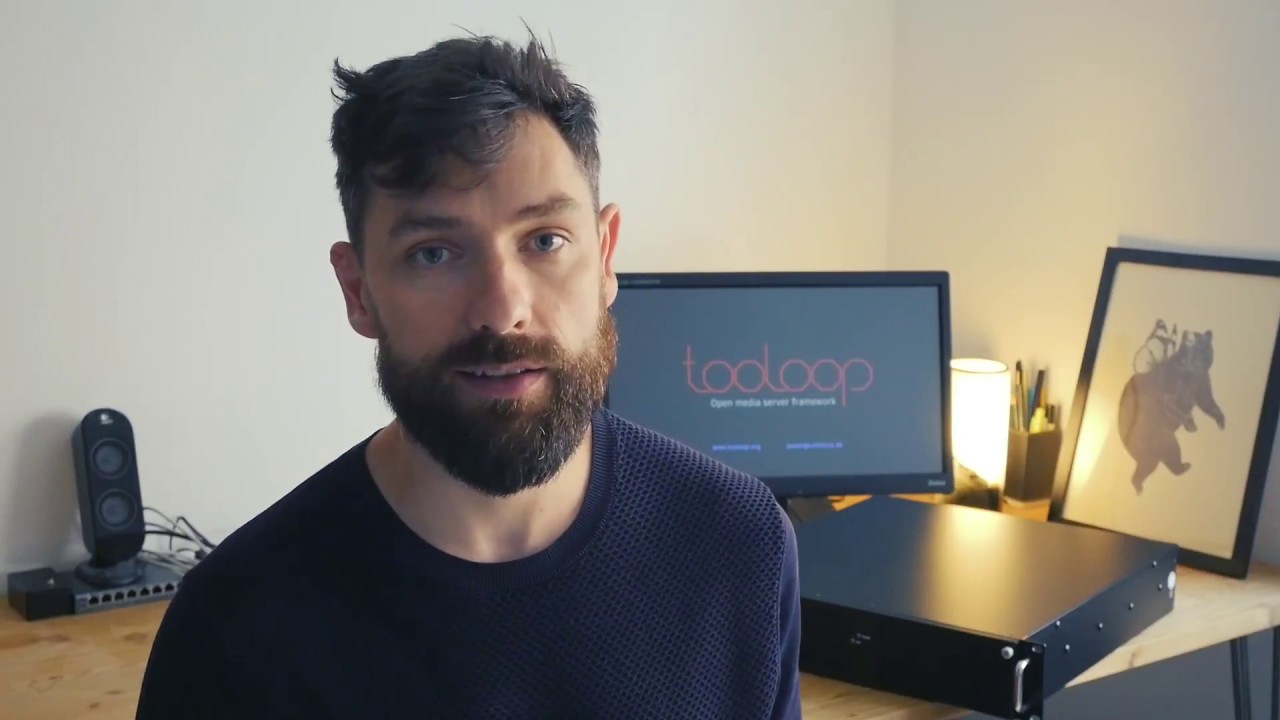 ](https://www.youtube.com/watch?v=RZDO1x2Ob7s)
---
### Author:  [@kfrajer](https://discourse.processing.org/u/kfrajer)
#### Post date: [July 11, 2018, 8:08am UTC](https://discourse.processing.org/t/tooloop-open-media-server/1680/2 "2018-07-11T08:08:20Z")
Do you mind discussing a bit what one could do after following the VM installation? Does it come with examples? Any examples that are not hardware specific?
Great video, exciting work!
Kf
---
### Author:  [@vollstock](https://discourse.processing.org/u/vollstock)
#### Post date: [July 11, 2018, 8:10am UTC](https://discourse.processing.org/t/tooloop-open-media-server/1680/3 "2018-07-11T08:10:28Z")
I wouldn’t mind at all 😉
Tooloop is just the platform for your application so what you can test and play with is the management features, it has. E.g.
- The settings in the browser
- Confiednce monitoring (Screenshots and Screen sharing)
- Turning the box on or off
- Switching the display opn and off
However there’s some super simple, yet useful example apps that come shipped.
You can install those in the settings’ App center.
The code for those is here: [https://github.com/vollstock/Tooloop-Examples](https://github.com/vollstock/Tooloop-Examples)
Use it to develop your own [app bundle](http://tooloop.org/Documentation/App%20Development/App%20Bundles)
---
### Author:  [@vollstock](https://discourse.processing.org/u/vollstock)
#### Post date: [July 11, 2018, 8:48am UTC](https://discourse.processing.org/t/tooloop-open-media-server/1680/4 "2018-07-11T08:48:19Z")
Also, since this is the Processing forum, what you could do is test a Processing app.
[http://tooloop.org/Documentation/App%20Development/Processing](http://tooloop.org/Documentation/App%20Development/Processing)
You could try and build an [app bundle](http://tooloop.org/Documentation/App%20Development/App%20Bundles) or at least [write a start and stop script](http://tooloop.org/Documentation/App%20Development/General) so your app will start and stop correctly on boot or from the settings buttons.