# Noisy gradients
**URL:** https://discourse.processing.org/t/noisy-gradients/32217
**Category:** Coding Questions
**Created:** [September 12, 2021, 12:32pm UTC](https://discourse.processing.org/t/noisy-gradients/32217 "2021-09-12T12:32:43Z")
**Posts on this page:** 5
**Page:** 1
### Author:  [@dimpapadop](https://discourse.processing.org/u/dimpapadop)
#### Post date: [September 12, 2021, 12:32pm UTC](https://discourse.processing.org/t/noisy-gradients/32217/1 "2021-09-12T12:32:43Z")
hallo, i am wondering how a noise gradient like this that i found on the web could be created in processing.
Any ideas?

my idea approaching (so far) is using perlin noise field and blurring gradually.
Anyone has a better idea?
for example
```auto
/** modification on :
* marble pattern by perlin noise
*
* @author aa_debdeb
* @date 2016/07/24
*/
float noiseX, noiseY;
float noiseLevelX = 0.001;
float noiseLevelY = 0.001;
void setup(){
size(600, 600);
noiseX = random(10000);
noiseY = random(10000);
stroke(255);
}
void draw(){
if (mousePressed) filter(BLUR);
else {
background(0);
for(int x = 0; x < width; x++){
for(int y = 0; y < height; y++){
float n = noise(x * noiseLevelX + noiseX, y *noiseLevelX + noiseY, frameCount * 0.001);
if(int(n * 200) % 2 == 0){
stroke(255);
point(x, y);
}
}
}
}
}
```
---
### Author:  [@glv](https://discourse.processing.org/u/glv)
#### Post date: [September 12, 2021, 1:01pm UTC](https://discourse.processing.org/t/noisy-gradients/32217/2 "2021-09-12T13:01:20Z")
Hello,
Start with a working example or image:
> **[Noise2D / Examples](https://processing.org/examples/noise2d.html)**
>
> Using 2D noise to create simple texture.
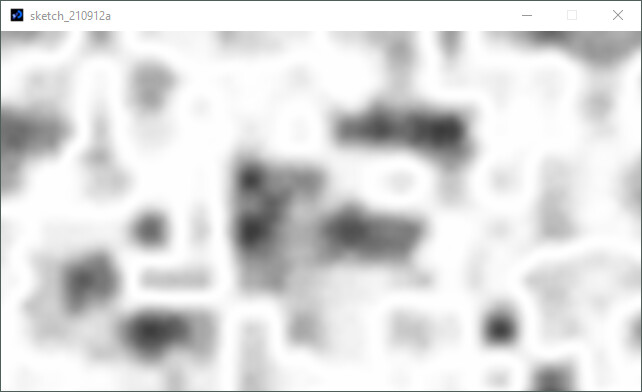
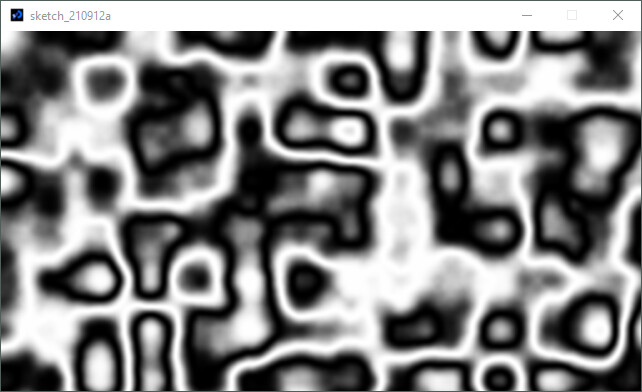
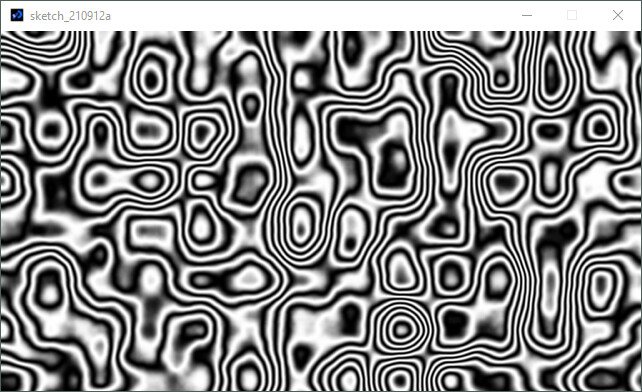
Modulate the brightness to give a ripple effect.
If the brightness is 0 to 1:
`modBrightness = 0.5 + 0.5*sin(brightness*1*TAU); //1 cycle`
`modBrightness = 0.5 + 0.5*sin(brightness*4*TAU); //4 cycles`
References:
- [https://processing.org/examples/noise2d.html](https://processing.org/examples/noise2d.html)
- [https://processing.org/tutorials/trig](https://processing.org/tutorials/trig)
- [https://processing.org/examples/graphing2dequation.html](https://processing.org/examples/graphing2dequation.html)
I think I helped too much so will leave the rest with you.
8 cycles:
`:)`
---
### Author:  [@jb4x](https://discourse.processing.org/u/jb4x)
#### Post date: [September 12, 2021, 1:12pm UTC](https://discourse.processing.org/t/noisy-gradients/32217/3 "2021-09-12T13:12:21Z")
Hello,
One approach could be as followed.
Start by creating a strip pattern:
```auto
void setup() {
size(500, 500);
loadPixels();
for (int i = 0; i < width; i++) {
for (int j = 0; j < height; j++) {
pixels[i + j * width] = color(getPatternValue(i, j));
}
}
updatePixels();
}
float getPatternValue(float i, float j) {
return 255 * (0.5 * cos(0.3 * j) + 0.5);
}
```
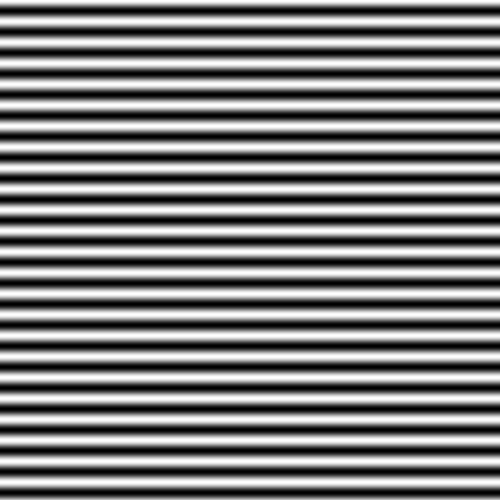
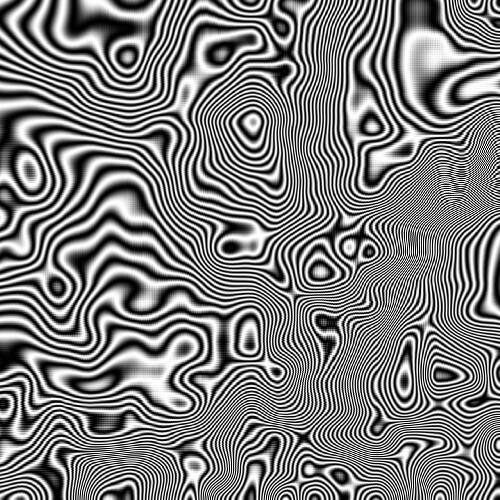
From this, you can sample you pattern by rotating the space depending on a 2D noise value. Something like this:
```auto
float noiseScale = 0.004;
void setup() {
size(500, 500);
loadPixels();
for (int i = 0; i < width; i++) {
for (int j = 0; j < height; j++) {
float angle = TWO_PI * noise(i * noiseScale, j * noiseScale);
float x = i * cos(angle) - j * sin(angle);
float y = i * sin(angle) - j * cos(angle);
pixels[i + j * width] = color(getPatternValue(x, y));
}
}
updatePixels();
}
float getPatternValue(float i, float j) {
return 255 * (0.5 * cos(0.3 * j) + 0.5);
}
```
---
### Author:  [@dimpapadop](https://discourse.processing.org/u/dimpapadop)
#### Post date: [September 12, 2021, 1:15pm UTC](https://discourse.processing.org/t/noisy-gradients/32217/4 "2021-09-12T13:15:45Z")
thank you, nice approach i’ll work it
---
### Author:  [@dimpapadop](https://discourse.processing.org/u/dimpapadop)
#### Post date: [September 12, 2021, 1:18pm UTC](https://discourse.processing.org/t/noisy-gradients/32217/5 "2021-09-12T13:18:14Z")
thank you guys beautiful & interesting approaches