# How to separately animate characters in a string after scaling and centering
**URL:** https://discourse.processing.org/t/how-to-separately-animate-characters-in-a-string-after-scaling-and-centering/15663
**Category:** Coding Questions
**Created:** [November 20, 2019, 5:06pm UTC](https://discourse.processing.org/t/how-to-separately-animate-characters-in-a-string-after-scaling-and-centering/15663 "2019-11-20T17:06:32Z")
**Posts on this page:** 4
**Page:** 1
### Author:  [@jimather](https://discourse.processing.org/u/jimather)
#### Post date: [November 20, 2019, 5:06pm UTC](https://discourse.processing.org/t/how-to-separately-animate-characters-in-a-string-after-scaling-and-centering/15663/1 "2019-11-20T17:06:32Z")
Hi,
What I’m trying to do is animate the characters in a string independently of one another and have them all “home” into a centred and scaled position as one final string allowing the OS to adjust for different screen sizes. It doesn’t need to be dynamic as it’s an intro animation.
I can’t see a way to define the string and final position as a whole to allow for scaling and centring and then breaking it up into characters and re-animating it all back into the same position.
I’ve tried playing with string list to break it up but I don’t know how to the get the text function to treat that entire array as one, and if I try to use char at it will give me the character used, not the actual object of that character in order to animate it.
I kinda want to say:
setup
Textsize x
**Final text to Display** Position Center height / 2 width / 2
Split text into individual characters
draw
move text off screen
move each character back to where it was before but at different rates with some funky colours
So what I really want is a way to set the text position, and then find out the x and y position of each character so I can animate them all back towards that point.
Does anyone have any advice?
---
### Author:  [@Chrisir](https://discourse.processing.org/u/Chrisir)
#### Post date: [November 20, 2019, 9:05pm UTC](https://discourse.processing.org/t/how-to-separately-animate-characters-in-a-string-after-scaling-and-centering/15663/2 "2019-11-20T21:05:54Z")
Forget about String and start with an array of chars
When you have objects and oop in your portfolio, very good.
Otherwise you need parallel arrays (this means, first char has its data distributed over several arrays, all in the 0th position of the arrays) for
- char
- x,y
- target x and y
Then let them fly using lerp() e.g.
You can calculate the initial position by using textWidth
[https://www.processing.org/reference/textWidth\_.html](https://www.processing.org/reference/textWidth_.html)
Chrisir
---
### Author:  [@jeremydouglass](https://discourse.processing.org/u/jeremydouglass)
#### Post date: [November 24, 2019, 8:04pm UTC](https://discourse.processing.org/t/how-to-separately-animate-characters-in-a-string-after-scaling-and-centering/15663/3 "2019-11-24T20:04:18Z")
> [@jimather](#):
>
> I don’t know how to the get the text function to treat that entire array as one
You can’t; you need to write your own text function.
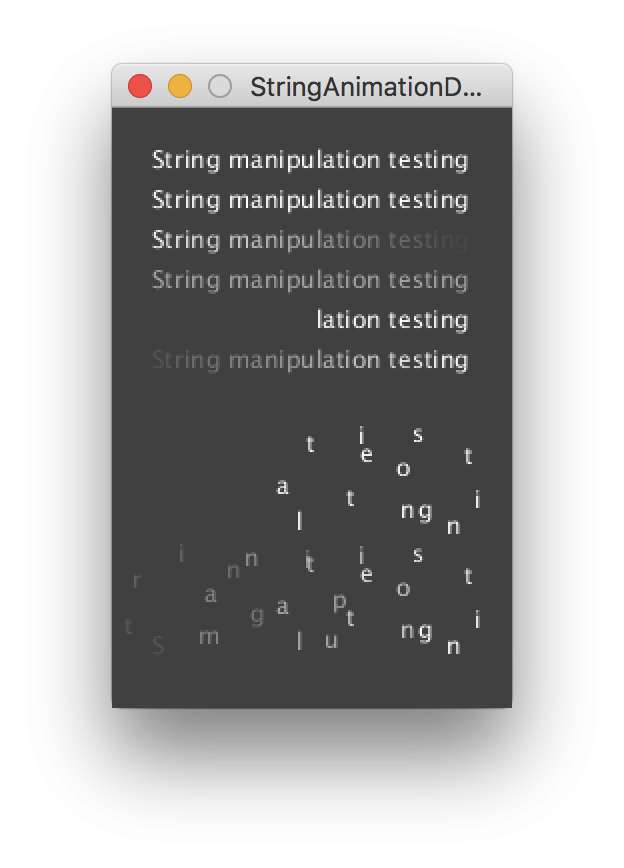
I’m not completely clear on the text effect you are describing, but here is one potentially related example:
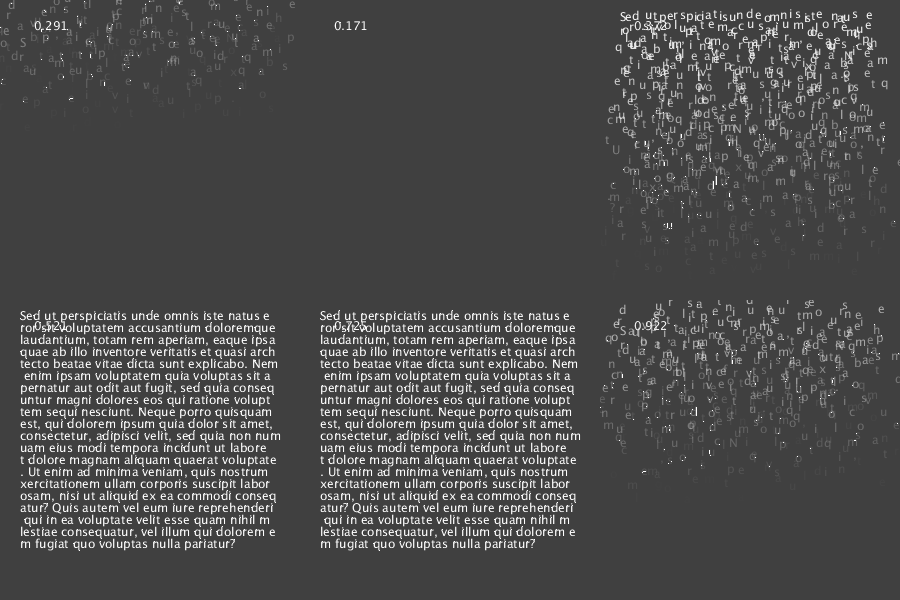
I did it using a function that I wrote, drawLettersScatterFade(), which is demo-ed and discussed in the previous forum thread here:
- [How to make some texte move and change its opacity ? - Processing 2.x and 3.x Forum](https://forum.processing.org/two/discussion/comment/115391/#Comment_115391)
---
### Author:  [@jimather](https://discourse.processing.org/u/jimather)
#### Post date: [November 24, 2019, 10:22pm UTC](https://discourse.processing.org/t/how-to-separately-animate-characters-in-a-string-after-scaling-and-centering/15663/4 "2019-11-24T22:22:20Z")
That’s really pretty close to what I am trying to achieve.
Thanks for the help guys