# Doubts about readStringUntil ()
**URL:** https://discourse.processing.org/t/doubts-about-readstringuntil/20938
**Category:** Electronics (Arduino, etc.)
**Tags:** homework
**Created:** [May 16, 2020, 12:39pm UTC](https://discourse.processing.org/t/doubts-about-readstringuntil/20938 "2020-05-16T12:39:38Z")
**Posts on this page:** 5
**Page:** 1
### Author:  [@Black\_1](https://discourse.processing.org/u/Black_1)
#### Post date: [May 16, 2020, 12:39pm UTC](https://discourse.processing.org/t/doubts-about-readstringuntil/20938/1 "2020-05-16T12:39:38Z")
hi everyone, i’m a new member, and i’m using processing recently.
I am currently having difficulty with the “readStringUntil ()” function.
Processing communicates with Arduino via LAN, but if the connection fails, the program stops and waits for the “new line” marker, which however, as there is no connection, will not arrive.
is there any way to set some sort of timeout to exit the readStringUntil () function in case of no connection?
I am attaching the part of the code concerned.
```auto
import processing.net.*;
Client myClient;
String inString = null;
byte interesting = 10;
String [] data;
int mem4;
int mem5;
int mem6;
int mem8;
int mem9;
int mem10;
int mem11;
int mem13;
int mem15;
int mem16;
int mem17;
void setup() {
fullScreen();
frameRate(10);
myClient = new Client(this, "192.168.1.177", 3000);
delay(2000);
}
void draw() {
background(#989890);
while (myClient.available () >0) {
inString = myClient.readStringUntil(interesting);
if (inString!=null) {
data=split(inString, ",");
mem4=int(data[0]);
mem5=int(data[1]);
mem6=int(data[2]);
mem7=int(data[3]);
mem8=int(data[4]);
mem9=int(data[5]);
mem10=int(data[6]);
mem11=int(data[7]);
mem12=int(data[8]);
mem13=int(data[9]);
mem14=int(data[10]);
mem15=int(data[11]);
mem16=int(data[12]);
mem17=int(data[13]);
}
}
```
---
### Author:  [@glv](https://discourse.processing.org/u/glv)
#### Post date: [May 16, 2020, 1:40pm UTC](https://discourse.processing.org/t/doubts-about-readstringuntil/20938/2 "2020-05-16T13:40:34Z")
Hello,
Your code is “blocking” in the draw() cycle.
Try this:
> **[clientEvent() / Libraries](https://processing.org/reference/libraries/net/clientevent_)**
>
> This function is called when a server sends a value to an existing Client object.
along with:
> **[readStringUntil() / Libraries](https://processing.org/reference/libraries/net/client_readstringuntil_)**
>
> Combination of readBytesUntil() and readString(). Returns null if it doesn't find what you're looking for.
More here:
> **[Network](https://processing.org/tutorials/network/)**
>
> An introduction to sending and receiving data with clients and servers.
> **[Network / Libraries](https://processing.org/reference/libraries/net/index.html)**
>
> Send and receive data over the Internet through simple clients and servers.
Try it on your own… get back to me if you need more help.
I have some experience with this and have sorted may of the bugs out of my projects.
[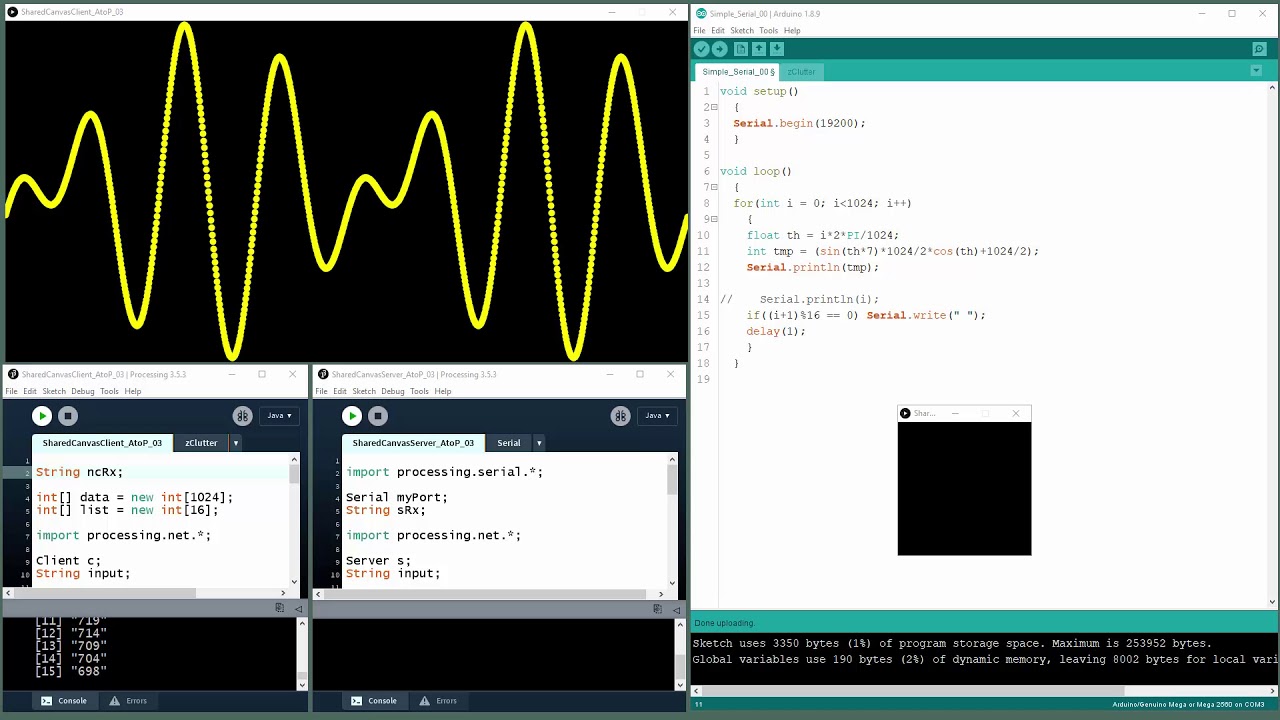 ](https://www.youtube.com/watch?v=a1tNKAjXNC8)
`:)`
---
### Author:  [@Black\_1](https://discourse.processing.org/u/Black_1)
#### Post date: [May 17, 2020, 9:45am UTC](https://discourse.processing.org/t/doubts-about-readstringuntil/20938/3 "2020-05-17T09:45:06Z")
Thanks for the very fast and very useful answer.
I solved it by putting all the part of “readStringUntil ()” inside the “Client.Event ()” function. Now I no longer have problems with code interruptions due to a connection failure.
Thanks again!
---
### Author:  [@glv](https://discourse.processing.org/u/glv)
#### Post date: [May 17, 2020, 12:42pm UTC](https://discourse.processing.org/t/doubts-about-readstringuntil/20938/4 "2020-05-17T12:42:26Z")
Hello,
You can use split() to remove the ‘\n’ from inString.
[https://processing.org/reference/trim\_.html](https://processing.org/reference/trim_.html)
Example:
```auto
//String s = "123,456,789," + '\n'; // Incoming data with ending ',' + '\n'
String s = "123,456,789" + '\n'; // Incoming data with no ending ',' + '\n'
String [] strData;
int [] intData;
print(s.length(), int(s.charAt(11)), s); // index 12 is the last charancter
//s = s.trim(); //Comment this to see what happens
println();
print(s.length(), s);
println();
strData = split(s, ",");
printArray(strData);
println();
intData = int(split(s, ","));
printArray(intData);
```
`:)`
---
### Author:  [@Black\_1](https://discourse.processing.org/u/Black_1)
#### Post date: [May 17, 2020, 4:53pm UTC](https://discourse.processing.org/t/doubts-about-readstringuntil/20938/5 "2020-05-17T16:53:50Z")
Thanks again. You solved my problem.
😉