# Converting a video file to a sprite sheet
**URL:** https://discourse.processing.org/t/converting-a-video-file-to-a-sprite-sheet/39687
**Category:** Libraries
**Created:** [November 13, 2022, 7:05am UTC](https://discourse.processing.org/t/converting-a-video-file-to-a-sprite-sheet/39687 "2022-11-13T07:05:47Z")
**Posts on this page:** 4
**Page:** 1
### Author:  [@5x9x7x2x7x9](https://discourse.processing.org/u/5x9x7x2x7x9)
#### Post date: [November 13, 2022, 7:05am UTC](https://discourse.processing.org/t/converting-a-video-file-to-a-sprite-sheet/39687/1 "2022-11-13T07:05:47Z")
Im trying to make something that can Convert a video file (.MP4 in this case) into a spritesheet.
I plan to create a new image with the dimension being Video.width\*Video.frames by Video.height, Video.frames being how many frames the video has.
But I dont exacty know how I could do this, I know I need to use the video library but I dont know how to get the video dimensions and how many frames there are.
---
### Author:  [@jafal](https://discourse.processing.org/u/jafal)
#### Post date: [November 13, 2022, 8:00am UTC](https://discourse.processing.org/t/converting-a-video-file-to-a-sprite-sheet/39687/2 "2022-11-13T08:00:07Z")
Hi
[ ](https://www.youtube.com/watch?v=WH31daSj4nc&t=215s)
[https://funprogramming.org/121-Using-a-webcam-in-Processing.html](https://funprogramming.org/121-Using-a-webcam-in-Processing.html)
> **[frameRate() / Reference](https://processing.org/reference/framerate_)**
>
> Specifies the number of frames to be displayed every second. For example, the function call frameRate(30) will attempt to refresh 30 times a second. If the processor is not fast enough to maint…
> **[frameCount / Reference](https://processing.org/reference/framecount)**
>
> The system variable frameCount contains the number o frames displayed since the program started. Inside setup() the value is 0 and during the first iteration of draw it is 1, etc.
[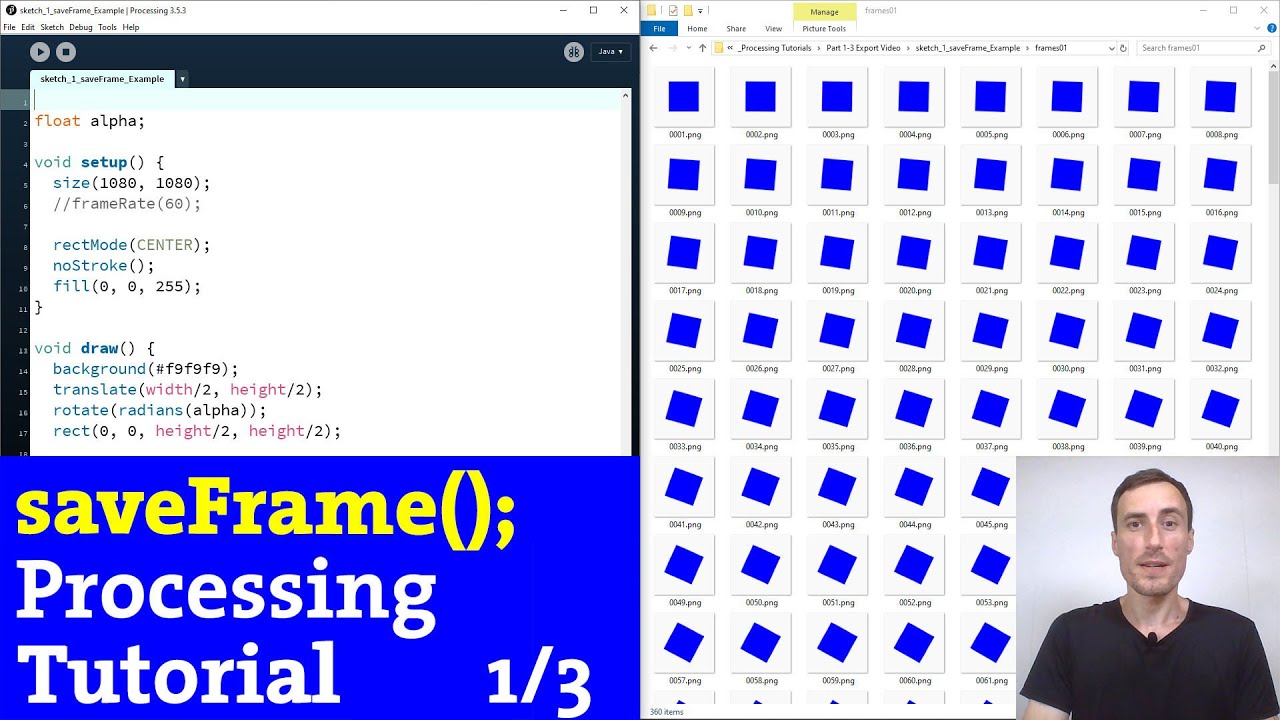 ](https://www.youtube.com/watch?v=gaygRo4ZTys)
---
### Author:  [@Chrisir](https://discourse.processing.org/u/Chrisir)
#### Post date: [November 13, 2022, 11:48am UTC](https://discourse.processing.org/t/converting-a-video-file-to-a-sprite-sheet/39687/3 "2022-11-13T11:48:23Z")
Interesting.
In my opinion you can make 2 different sketches:
**Sketch 1**
First “explode” the movie and save all images
See [Reference / Processing.org](https://processing.org/reference/libraries/video/Movie.html)
**Sketch 2**
Then copy all images into a 2nd sketch and let it do the stitching of the images to a new image, your sprite sheet that you save
Chrisir
**For Sketch 1**
here is an example.
I had to restart processing a few times, seems to crash.
But it works.
```auto
//
import processing.video.*;
final String title1 = "my movie.mp4"; // change this !!!!
Movie myMovie=null;
int i=0;
void setup() {
size(900, 200);
println("start");
myMovie = new Movie(this, title1 );
myMovie.play(); // loop ?
println("end setup()");
}
void draw() {
// tint(255, 20);
// image(myMovie, 0, 0);
// if (myMovie!=null) {
myMovie.save("t"
+ nf(i, 5, 0)
+ ".jpg");
i++;
// }
// abort
if (frameCount>14) { // change this !!!! !!!!!!!!!!!!!!!!!!!!!!!!!!!!!!!!!!!!!!!!!!!!!!!!!!!!!!!!
//println("end Sketch.");
//exit();
//return;
}//if
//
}//func
// Called every time a new frame is available to read
void movieEvent(Movie m) {
m.read();
}
//
```
---
### Author:  [@glv](https://discourse.processing.org/u/glv)
#### Post date: [November 13, 2022, 11:46pm UTC](https://discourse.processing.org/t/converting-a-video-file-to-a-sprite-sheet/39687/4 "2022-11-13T23:46:54Z")
Hello @5x9x7x2x7x9,
My exploration of this:
```auto
// Saving movie frames
// v1.0.0
// GLV 2022-11-13
import processing.video.*;
Movie movie;
PImage img, sheet;
PGraphics pg;
void setup()
{
size(1200, 1000);
//background(0);
// PGraphics
// Creat first so it is ready for event!
pg = createGraphics(560, 500);
pg.beginDraw();
pg.background(255, 255, 0);
pg.endDraw();
// Load and play the video in a loop
movie = new Movie(this, "launch2.mp4");
//movie = new Movie(this, "1_2020-06-01_10-45-10.mp4");
movie.play();
// Wait until ready to get width and height
while(movie.width == 0)
{
print(',');
}
println();
// Stats:
println(movie.width, movie.height);
println(movie.width/float(movie.height));
// Test:
String s = sketchPath() + "/data/" +str(frameCounter) + ".png";
println(s);
sheet = createImage(560, 500, ARGB);
//sheet.loadPixels();
for(int i=0; i