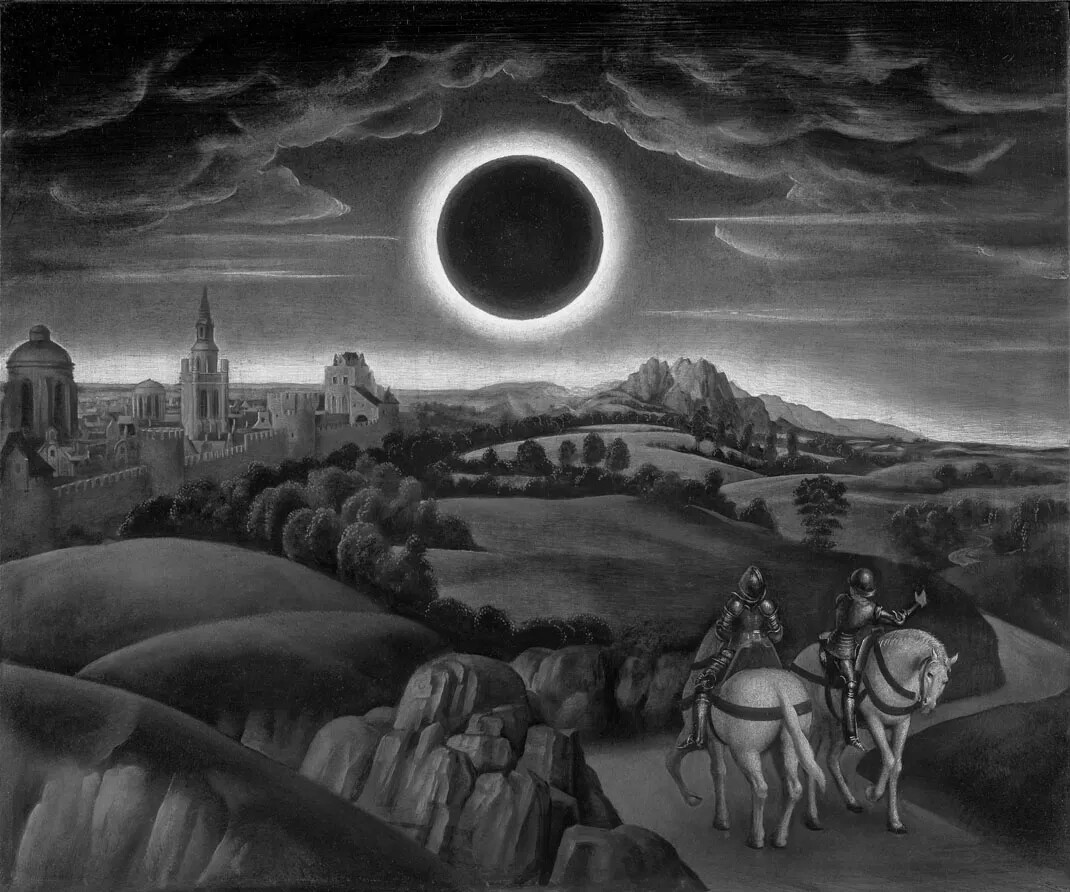
Thank you everyone! That was some good reading.
I made a sketch (based on the sketch by @solub) to compare different weightings, and in my humble opinion the Relative Luminance is best (on a screen). You can see for yourselves because I have uploaded the results at the end of the message.
I have also uploaded a conversion made in Adobe Illustrator > Edit Colors > Convert to Grayscale. Seems like Adobe also uses Relative Luminance…?
from __future__ import print_function

def setup():
    size(1070, 892)

    global img
    img = loadImage("2018_431_IN3_RET.png")

def draw():
   if mouseX <= img.width/4:
       image(img, 0, 0)

   elif mouseX > img.width/4 and mouseX <= img.width/2:
       weight_R = 54
       weight_G = 183
       weight_B = 18
       image(relative_luminance(img, weight_R, weight_G, weight_B), 0, 0)

   elif mouseX > img.width/2 and mouseX <= (img.width/4)*3:
       weight_R = 77
       weight_G = 151
       weight_B = 28
       image(relative_luminance(img, weight_R, weight_G, weight_B), 0, 0)
   else:
       weight_R = 85
       weight_G = 85
       weight_B = 85
       image(relative_luminance(img, weight_R, weight_G, weight_B), 0, 0)

   line(img.width/4, img.height - 50, img.width/4, img.height)
   line(img.width/2, img.height - 50, img.width/2, img.height)
   line((img.width/4)*3, img.height - 50, (img.width/4)*3, img.height)

   if ((keyPressed) and (key == 'p')):
       save("something.jpg")

def relative_luminance(img, weight_R, weight_G, weight_B):

    """
    Convert the image to grayscale using true relative luminance weights and bit shifting.
    Reference -> https://en.wikipedia.org/wiki/Relative_luminance

    """

    lum_img = createImage(img.width, img.height, RGB)

    img.loadPixels()
    lum_img.loadPixels()

    for i in range(len(img.pixels)):

        col = img.pixels[i]

        # Extract RGB components using bit shifts
        r = (col >> 16) & 0xff  # Red component
        g = (col >> 8) & 0xff   # Green component
        b = col & 0xff          # Blue component

        # Calculate the true relative luminance using scaled weights:
        lum = (weight_R * r + weight_G * g + weight_B * b) >> 8  # Bit-shift by 8 (dividing by 256)

        # Set the grayscale pixel by combining the luminance value into RGB format
        lum_img.pixels[i] = (col & 0xff000000) | (lum << 16) | (lum << 8) | lum

    lum_img.updatePixels()

    return lum_img