();
float scrollSpeed = 10;
void setup()
{
size(1280, 720, P2D);
smooth();
frameRate(20);
String someText = " One\n two\n three\n four\n five\n six\n seven\n eight\n nine\n ten\n";
String someText2 = " eleven\n twelve\n thirteen\n fourteen\n fivteen\n sixteen\n seventeen\n eighteen\n nineteen\n twenty\n";
TextBox textBox1 = new TextBox(20, 0, 200, height);
textBox1 .setTextCol (color(0,0,0));
textBox1 .setFont (createFont("Courier New", 30));
textBox1 .setMargin (10, 10);
textBox1 .text = someText;
TextBox textBox2 = new TextBox(220, 0, 200, height);
//textBox2 .setEdgeCol (color(0,0,0, 150));
textBox2 .setTextCol (color(0,0,0));
textBox2 .setFont (createFont("Courier New", 30));
textBox2 .setMargin (10, 10);
textBox2 .text = someText2;
TextBox textBox3 = new TextBox(420, 0, 200, height);
//textBox2 .setEdgeCol (color(0,0,0, 150));
textBox3 .setTextCol (color(0,0,0));
textBox3 .setFont (createFont("Courier New", 30));
textBox3 .setMargin (10, 10);
textBox3 .text = someText2;
TextBox textBox4 = new TextBox(620, 0, 200, height);
//textBox2 .setEdgeCol (color(0,0,0, 150));
textBox4 .setTextCol (color(0,0,0));
textBox4 .setFont (createFont("Courier New", 30));
textBox4 .setMargin (10, 10);
textBox4 .text = someText2;
textBoxes.add(textBox1);
textBoxes.add(textBox2);
textBoxes.add(textBox3);
textBoxes.add(textBox4);
}
void draw()
{
background(255);
for (TextBox textBox : textBoxes)
{
textBox.draw();
}
gradient(200);
gradient2(150);
}
void mouseWheel(MouseEvent event)
{
for (TextBox textBox : textBoxes)
{
if (textBox.isInside(mouseX, mouseY))
{
textBox.scroll(event.getCount()*scrollSpeed/2);
}
}
}
void gradient(int transparency) {
noStroke();
beginShape(QUADS);
fill(255,255,255,transparency);
vertex(0,370);
vertex(width,370);
fill(255,255,255,transparency);
vertex(width,height);
vertex(0,height);
endShape();
}
void gradient2(int transparency) {
noStroke();
beginShape(QUADS);
fill(255 ,255,255,transparency);
vertex(0,0);
vertex(width,0);
fill(255,255,255,transparency);
vertex(width,320);
vertex(0,320);
endShape();
}
public class TextBox
{
public String text = "";
private PGraphics buffer = new PGraphics();
private PVector pos = new PVector();
private PVector size = new PVector();
private PVector margin = new PVector();
private float scroll = 0;
private color backCol = color(255,255,255,0);
private color edgeCol = color(255,255,255,0);
private color textCol = color(0);
private PFont font = new PFont();
public PVector getPos() {return pos;}
public PVector getSize() {return size;}
public void setPos (PVector pos) {setPos(pos.x, pos.y);}
public void setPos (float x, float y) {pos.x = x; pos.y = y;}
public void setMargin (PVector margin) {setMargin(margin.x, margin.y);}
public void setMargin (float w, float h) {margin.x = w; margin.y = h;}
public void scroll (float scroll) {this.scroll = max(this.scroll+scroll, -300); this.scroll = min(this.scroll+scroll,+390);} // Scroll cannot go below 0.
public void setBackCol (color c) {this.backCol = c;}
public void setEdgeCol (color c) {this.edgeCol = c;}
public void setTextCol (color c) {this.textCol = c;}
public void setFont (PFont font) {this.font = font;}
public void draw()
{
buffer.beginDraw();
{
buffer.clear();
buffer.background (backCol);
buffer.stroke (edgeCol);
buffer.fill (backCol);
buffer.rect (0, 0, buffer.width-1, buffer.height-1); // Border.
buffer.textFont (font);
buffer.fill (textCol);
buffer.textAlign (LEFT, CENTER);
buffer.text (text, margin.x, margin.y-scroll, buffer.width-margin.x, buffer.height+scroll);
}
buffer.endDraw();
image(buffer, pos.x, pos.y);
}
public boolean isInside(PVector checkPos) {return isInside(checkPos.x, checkPos.y);}
public boolean isInside(float checkPosX, float checkPosY)
{
boolean inWidth = checkPosX > pos.x && checkPosX < pos.x+size.x;
boolean inHeight = checkPosY > pos.y && checkPosY < pos.y+size.y;
return inWidth && inHeight;
}
public TextBox(PVector size, PVector pos) {this(pos.x, pos.y, size.x, size.y);}
public TextBox(float x, float y, float w, float h)
{
pos.x = x; pos.y = y; size.x = w; size.y = h;
buffer = createGraphics(floor(w), floor(h), P2D);
}
}
```
---
### Author:  [@hannes](https://discourse.processing.org/u/hannes)
#### Post date: [December 7, 2020, 4:25pm UTC](https://discourse.processing.org/t/change-text-height-depending-on-position/25833/3 "2020-12-07T16:25:47Z")
Hey guys, I did some research but still not sure how to achieve this “effect”.
I found out about the geomerative library but im not sure if thats the right way to solve the problem. Also I found out, that in p5.js i can work with variable fonts, do you think that could maybe solve the problem and I should work there instead of processing?
And to make things clearer, I found another example of what I want to achieve and how it could look like: [https://www.instagram.com/p/B-SaBTjhQHE/](https://www.instagram.com/p/B-SaBTjhQHE/)
in this case, I think its just an animation and I want the user to scroll through the list.
Maybe some of you can lead me to the right direction. Any ideas?
Thanks again!
---
### Author:  [@micycle](https://discourse.processing.org/u/micycle)
#### Post date: [December 7, 2020, 11:31pm UTC](https://discourse.processing.org/t/change-text-height-depending-on-position/25833/4 "2020-12-07T23:31:56Z")
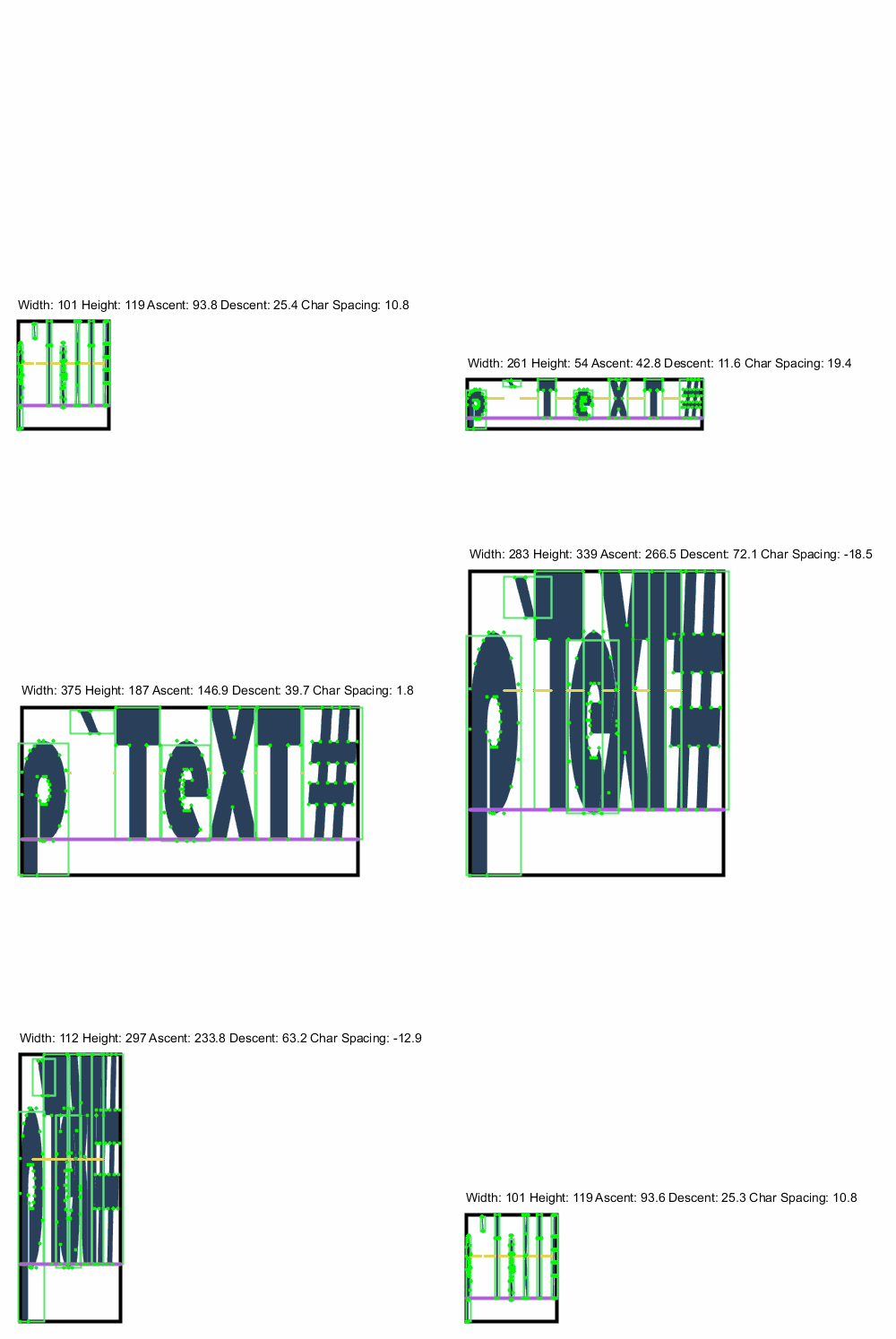
I’ve been sitting on this code for a while, but seeing you need it has prompted me to finally upload it!
You’ll find the `setTextHeight()` or `scaleHeight()` methods to be of use.
> **[micycle1/PText](https://github.com/micycle1/PText)**
>
> Bridges the gap between Processing's PFont and PShape, providing some much needed functionality when working with text in Processing
[ ](https://raw.githubusercontent.com/micycle1/PText/master/resources/debug.gif)
---
### Author:  [@hannes](https://discourse.processing.org/u/hannes)
#### Post date: [December 8, 2020, 11:13am UTC](https://discourse.processing.org/t/change-text-height-depending-on-position/25833/5 "2020-12-08T11:13:57Z")
wow thank you, im gonna take a look at this later that day 🙂
---
### Author:  [@micycle](https://discourse.processing.org/u/micycle)
#### Post date: [December 13, 2020, 6:24pm UTC](https://discourse.processing.org/t/change-text-height-depending-on-position/25833/6 "2020-12-13T18:24:28Z")
I’ve made the README more friendly now…
---
### Author:  [@glv](https://discourse.processing.org/u/glv)
#### Post date: [December 14, 2020, 1:58am UTC](https://discourse.processing.org/t/change-text-height-depending-on-position/25833/7 "2020-12-14T01:58:53Z")
Hello,
My exploration in to this:
```auto
boolean toggle = false;
String s;
public void settings()
{
size(900, 300, P3D);
noSmooth();
}
public void setup()
{
s = "Scrolling along...";
textSize(96);
ortho();
}
public void draw()
{
background(0);
translate(0, height/2);
float angle = frameCount*TAU/720;
if (toggle)
{
rotateX(angle);
fill(255, 255, 0);
}
else
{
scale(1, cos(angle));
fill(255, 128, 0);
}
text(s, 50, 0);
}
void mouseClicked()
{
toggle = !toggle;
}
```
A bit of trigonometry for the spacing…
`:)`